Logs Overview
RoleAnalystRead6 min
Screen
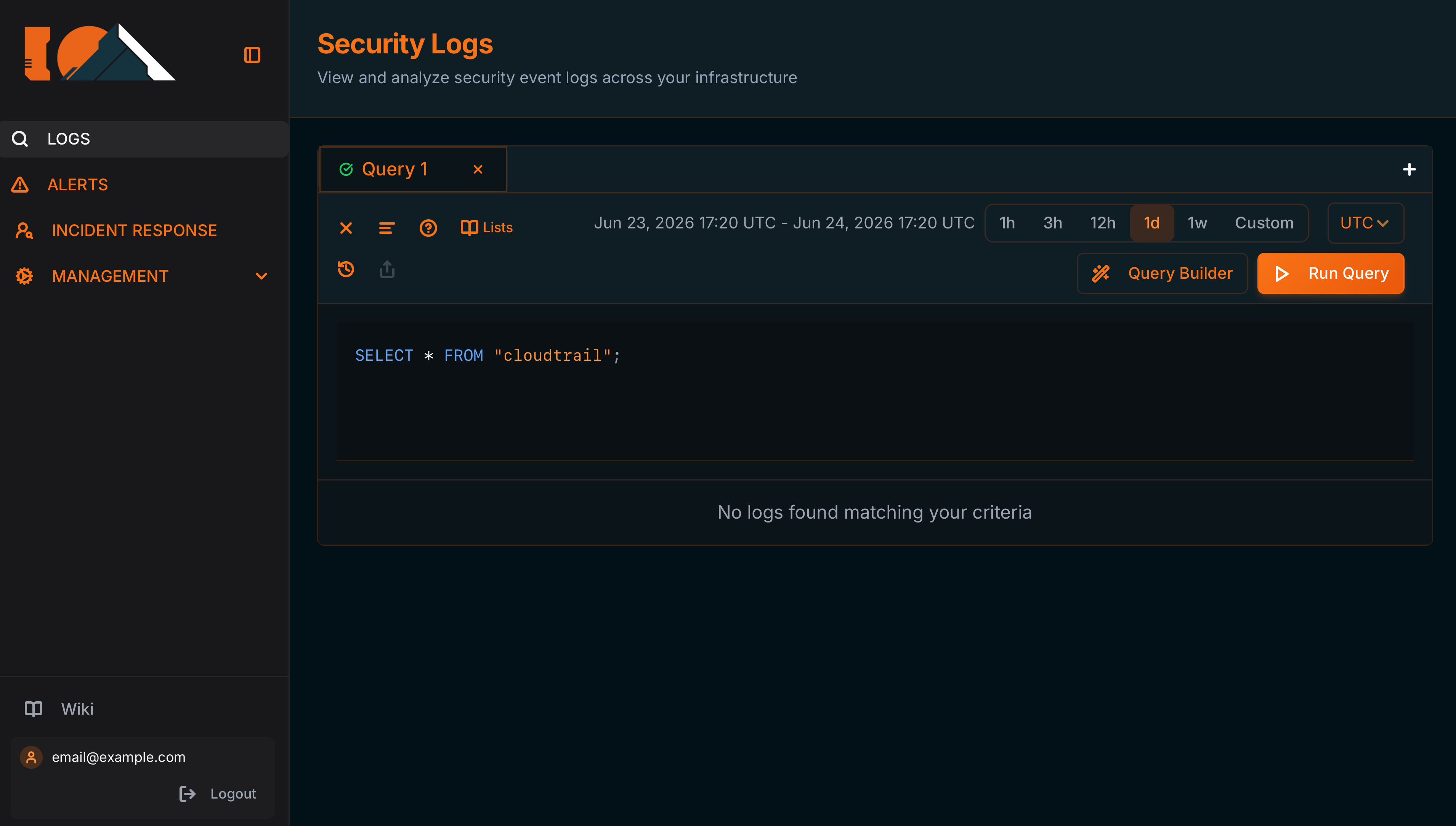
Security Logs
/logsView and analyze security event logs across your infrastructure
Your investigation hub. Query millions of events with SQL Presto, build queries visually with the Query Builder, export evidence, and turn findings into detection rules, all in a workspace designed for SOC analysts.
Two ways to build a query
- SQL editor — Write SQL directly. It is standard Presto SQL. See SQL Queries (Presto).
- Query Builder (the Query Builder button) — Visual builder: pick table, columns, filters, and aggregations, and the SQL is generated for you. See Visual Query Builder.
Query tabs
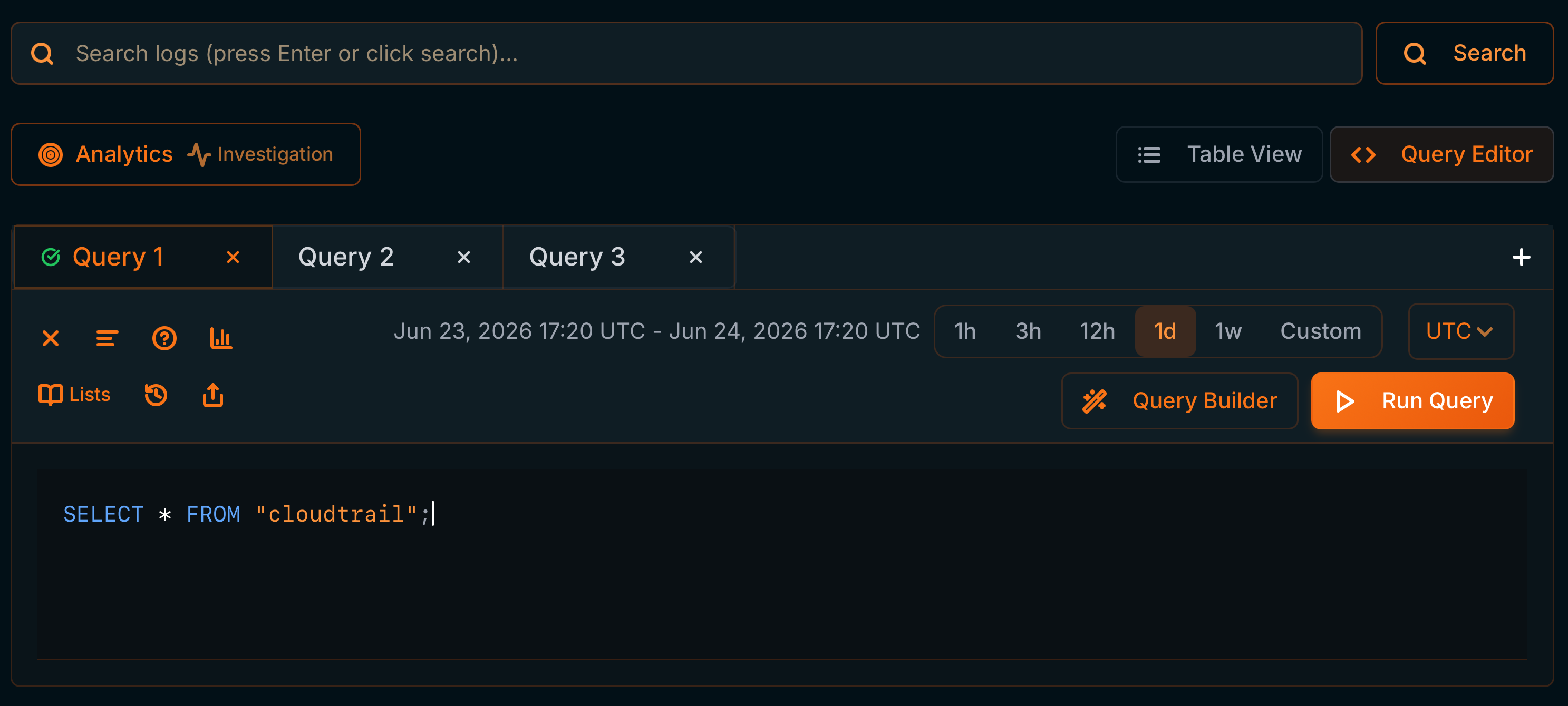
- Each query lives in its own tab (
Query 1,Query 2…). Use + to open another and the × to close it. - Tabs are independent: you can keep several investigations open in parallel.
Time range and timezone
- Quick range: 1h, 3h, 12h, 1d, 1w, or Custom (the Custom Time Range (UTC) modal with
From/Toand Apply). - Timezone: UTC / UTC-3 selector (affects how dates are displayed and interpreted).

View modes (top toggle)
- Query Editor — SQL editor/Query Builder and query tools.
- Table View — Results table with search, configurable columns, and export.
Results bar
- Counter
{shown} / {total} results(e.g.100 / 1,901 results). - Pagination
Page X of Ywith ◀ ▶ arrows. - Icons: Visible Columns (choose columns), Export (download CSV), and Create Detection Rule (shield).
